When you purchase through links on our site, we may earn an affiliate commission at no extra cost to you. This helps us continue to create guides like this for our audience.
Best video editing hard drives for any type of project
The best and the worst part of modern cameras is the amazing image quality we’re now getting from a variety of cameras. iPhones shoot ProRes, the bitrates are getting higher, 4K is the standard, HDR video is becoming more common… and this is all great, but it also means the size of your video files has gone up. A lot.
If you’re a video editor, motion designer, or even a photographer who works with a large amount of digital files, you can probably hold a couple of smaller projects temporarily on your computer’s internal drive but you’re inevitably going to need an external hard drive sooner or later. A good drive makes a world of a difference when transfer speeds are fast, your programs run smoothly and you don’t need to worry about every gigabyte. Also the price of external hard drives is relatively low so it’s a good investment to get enough drives to hold all your active projects as well as use them for backups.
Below are the top picks of our team for video work and motion graphics.
SSD – Small, Fast and Portable
Just like the internal SSD on your computer, you can get an external SSD drive for added storage at blazing-fast speeds. Speeds vary between different models so not all SSDs are the same, but in general an SSD will be faster than other drives. Because of this they’re more expensive, but if you use them every day or do work on your drives it’s almost always worth the extra money to invest in a faster drive. The great thing about these smaller SSD drives is that they don’t require external power, so they’re easy to bring with you wherever you go.
Our team has been using Samsung SSDs for a long time and they’ve been fast, easy to use, and reliable. The T7 is incredibly small so it’s easy to slide in your pocket, backpack, or camera case so you can bring a couple of terabytes worth of storage with you anywhere you go. With read and write speeds at around 1,000 MB/s these are great for ingesting video footage and photos after a long day of shooting and it’s a great working drive when you need to edit while being out of the office.
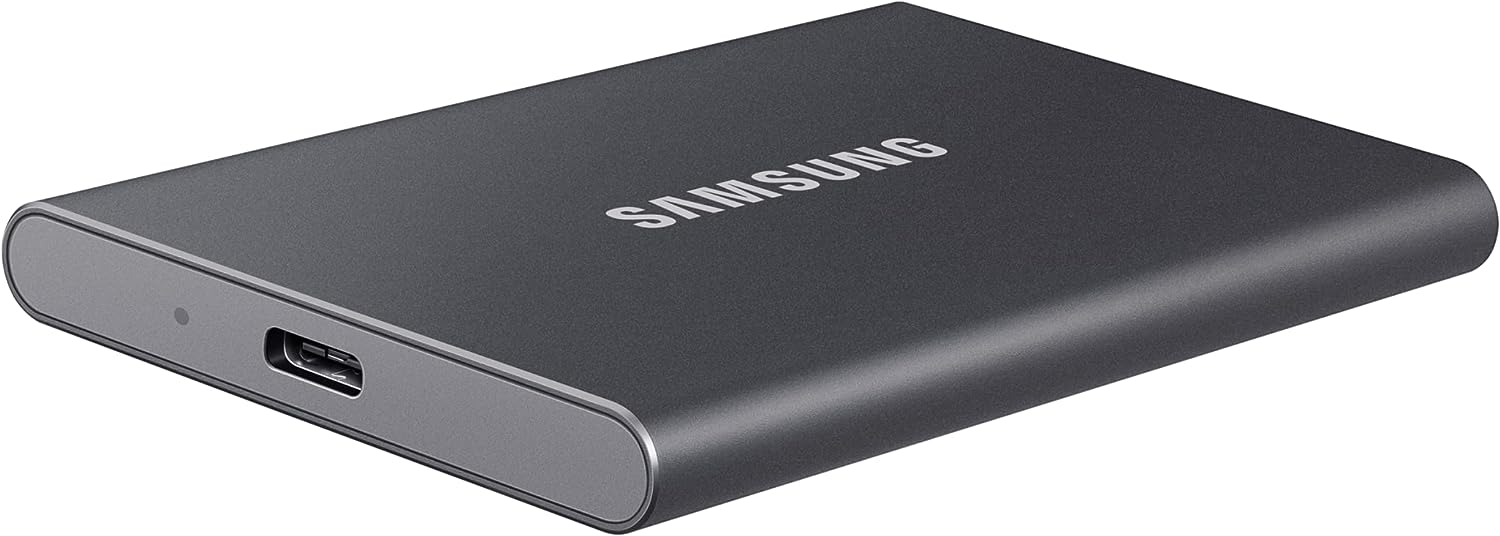
Samsung T7 (2TB) SSD – View on Amazon
Samsung T7 (1TB) SSD – View on Amazon
If you want even more speed, a rugged enclosure and more storage space our favorite is the SanDisk Professional 4TB PRO-G40 SSD. It has a read speed of up to 3000MB/s and a write speed of 2500MB/s, comes in a water, dust, and shock-resistant enclosure, and supports both Thunderbolt 3 & USB-C connections.
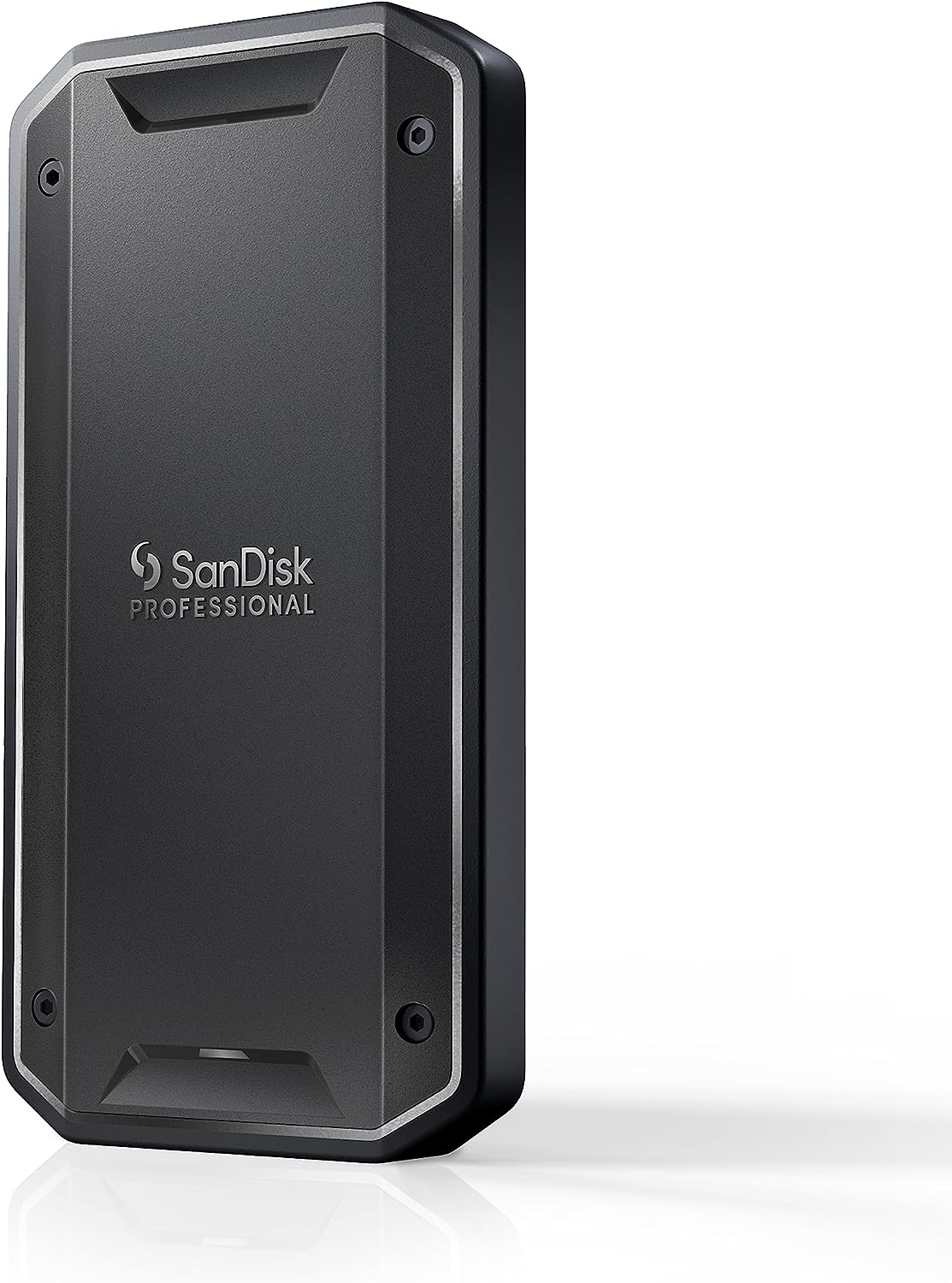
These are perfect when you’re out in the field and can’t necessarily baby your drive all the time. SanDisk drives are also one of the most reliable drives out there so it makes for a perfect drive for a videographer, photographer and other creative professionals who spend a lot of time on the road. This drive is available with either 1TB, 2TB or 4TB of storage.
SanDisk Professional 4TB PRO-G40 SSD – View on Amazon
G-RAID – When You Need More Storage
As great as SSDs are a lot of times we just need more than a couple of terabytes worth of storage. That’s where G-RAIDs come in. These are the industry standard for video work, they’re extremely reliable and provide a lot of storage for a reasonable price tag. With these you get a lot more storage, but the drive itself is a lot bigger, heavier and requires external power. So it’s a great solution when you’re working at a desk, but if you need a drive that’s usable while on the road, go with something smaller.
As the name indicates, G-RAIDs have two drives inside so you can configure them to a RAID 1 setting, mirroring all your data between the two drives inside the enclosure, giving you an extra layer of security. If one drive fails, you’ll still have a copy on the other drive. The downside is that this configuration will cut your storage space in half and also slow down your read/write speeds since every file will be written on two separate drives. A lot of people end up using RAID 0 configuration which works similar to a regular external hard drive, utilizing the full capacity of the drive and giving you maximum read/write speeds. You can easily switch between RAID 0 and RAID 1 but every time you change from one to another the drive needs to be formatted.

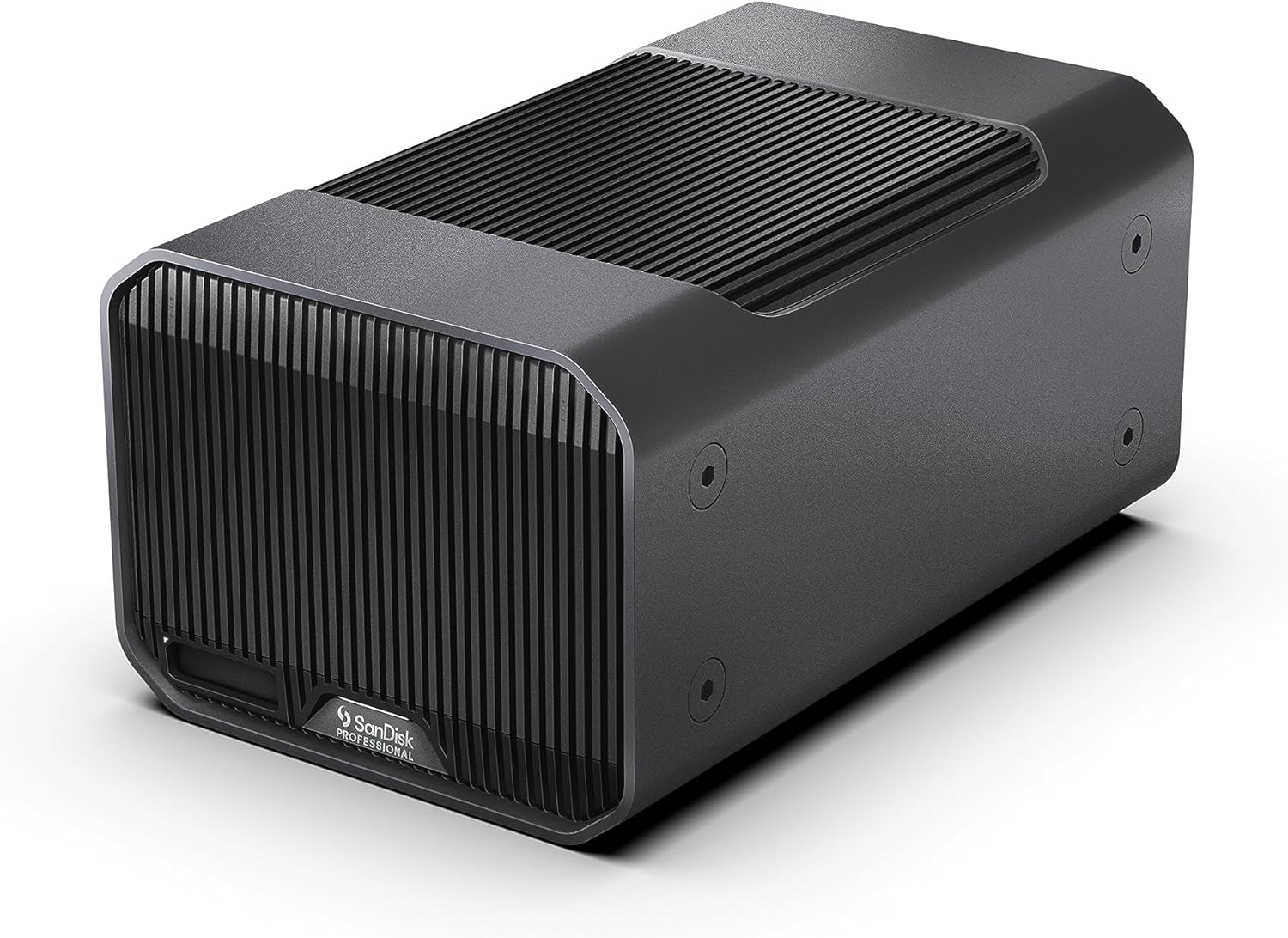
Our go-to G-RAID has been the G-RAID 2, which is about to get discontinued soon to make room for the new G-RAID Mirror. They’re more or less the same product, the new Mirror model has a redesigned enclosure, slightly different capacity options, and comes pre-configured to RAID 1 (the setting that mirrors your files cutting your storage space and speeds in half but adding a layer of security) but you can change the configuration to RAID 0. It also has a slot for an additional SSD drive (sold separately) so you can transfer content on the SSD while on the road and pop it in your G-RAID enclosure when getting back to your desk. We haven’t had a chance to test that yet, but it sounds like a cool and convenient feature.
Connections are also slightly different. G-RAID 2 has dual Thunderbolt 3 ports and a separate single USB-C port, while G-RAID Mirror only has dual Thunderbolt 3 / USB-C ports. Both versions are good for daisy chaining drives together and we’ve had as many as five G-RAIDs chained together when copying files on multiple drives simultaneously.
G-RAID Mirror also has a physical switch in the back for changing between RAID 0 and RAID 1. G-RAID 2 only does this through software and it’s a little weird to have a physical switch for it, most users set it up once and won’t change it after that so the need for a physical switch is debatable.
G-RAID 2 (24TB) – View on Amazon
G-RAID Mirror (36TB) – View on Amazon
External hard drives with over 48TB of storage
If you’re working on a project that requires 50TB or more storage chances are that you’ll have access to a server solution that has plenty of space. But there are some situations where you might want an external drive instead of a server. Either you don’t have access to a server or you need a storage solution that’s mobile and easy to move from place to place. Syncing and uploading content to certain cloud services might also work better using an external drive vs. a server that you need to log in to.
When regular G-Drives don’t have enough space we’ve been using a couple of G-RAID Shuttle drives, formerly known as G-SPEED Shuttle. This is an absolute beast of a drive, it has a handle on top for easy portability (although it’s heavy) and it comes with 48TB, 96TB or 144TB of storage. Just like other G-RAIDs, it has Thunderbolt 3 and USB-C connectivity, supports RAID 0, 1, 5, 6, 10, 50 & 60 configurations and multi-stream 4K, 8K and VR workflows. When things get serious and you need performance and space, this is the way to go.
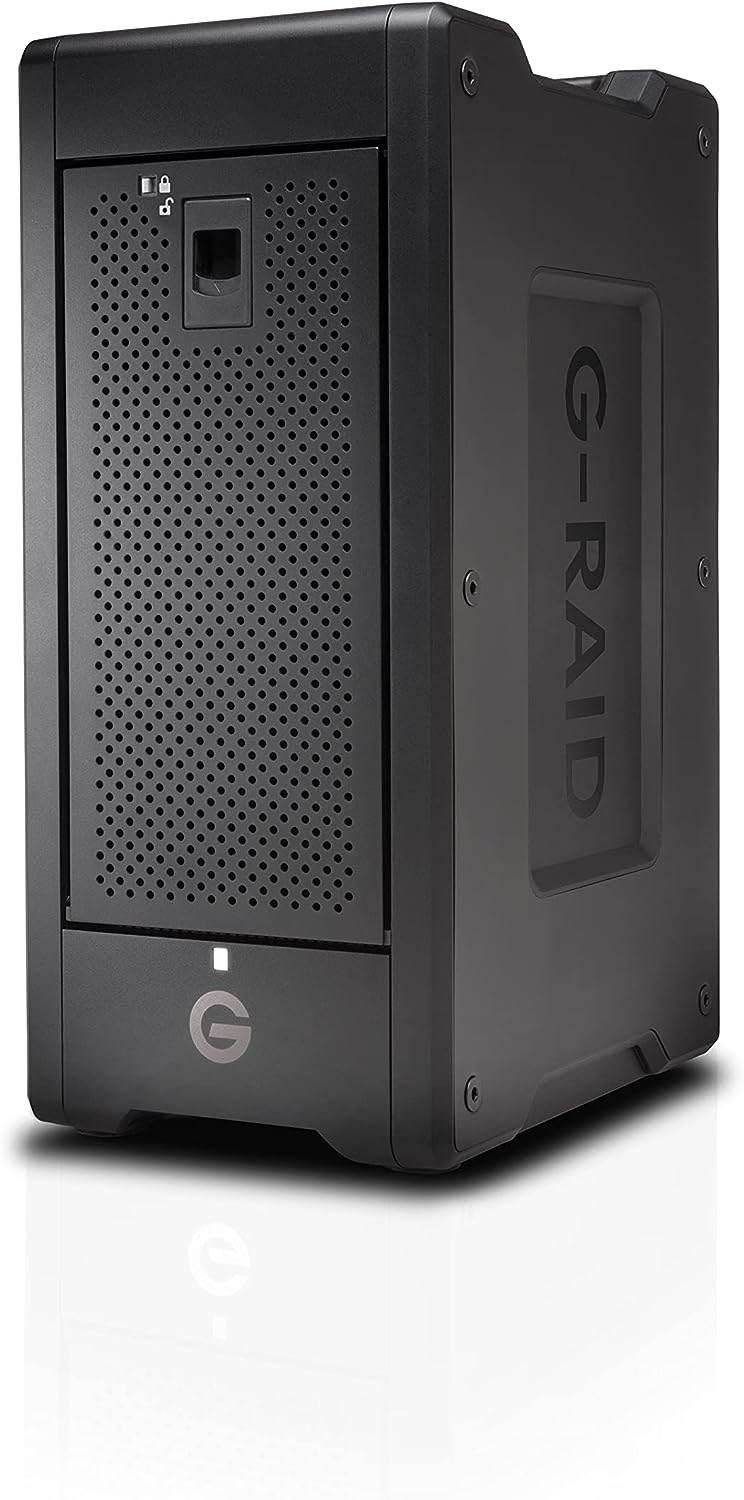
G-RAID Shuttle 8 48TB – View on Amazon
G-RAID Shuttle 8 96TB – View on Amazon
G-RAID Shuttle 8 144TB – View on Amazon
 Quick Tutorials
Leave a comment