-

Quick Tutorials Mac Masterclass
Unlock your Mac’s full potential — faster. Learning your Mac doesn’t have to be slow or frustrating. This course is designed to take you from casual user to confident power user in a fraction of the time. No fluff. No boring, endless lectures. Just quick, straightforward lessons packed with useful tips, hidden features, and best… Read more
-
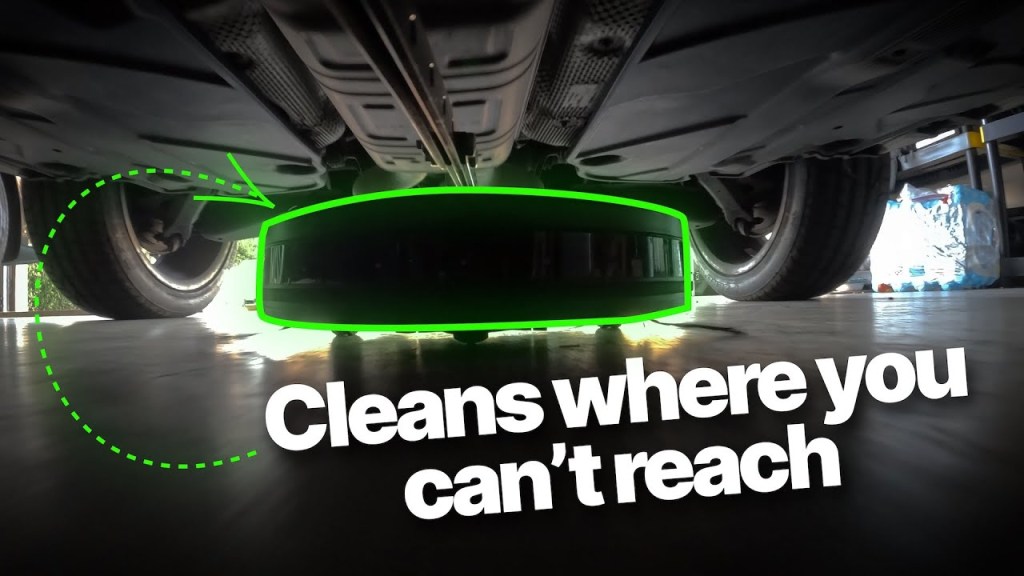
Are Robot Vacuums Actually Worth It? An Honest Review
Robot vacuums have come a long way. They’re smarter, more powerful, and packed with features that can make cleaning almost completely hands-free. But are they actually worth the investment? The short answer: Yes—but it depends on your lifestyle. If you’re busy, have kids, or live in anything bigger than a studio apartment, a robot vacuum… Read more
-
7 Basic Features macOS is STILL Missing (Seriously, Apple?)
macOS is great. I love it, I’ve used it for over 20 years, and I’m still a huge fan. But let’s be real—there are some reallybasic features missing that just don’t make sense. Some of these have existed in other apps or platforms for years, yet Apple still refuses to add them. So, here’s my open… Read more
-

Hidden Features of QuickTime Player You Probably Didn’t Know About
Hidden Features of QuickTime Player You Probably Didn’t Know About QuickTime Player is one of those apps that sits quietly on your Mac, ready to play videos when needed. But did you know that QuickTime is way more than just a simple media player? It comes packed with powerful features that can save you time and make… Read more
-

How to Upgrade To Wireless Apple CarPlay for Just $40
Updating to wireless CarPlay is easier and cheaper than you’d think If you have an older car with wired Apple CarPlay, you might think upgrading to wireless CarPlay requires an expensive head unit replacement. But what if I told you that for just $40, you can enjoy all the benefits of wireless CarPlay without any complicated installation? I recently discovered a… Read more
-

20+ Hidden Mac Tricks You Can Unlock with the Option Key
If you’re a Mac user, there’s one button you’re not using enough—the Option key (⌥). It’s one of the most underrated power tools in macOS, unlocking hidden shortcuts and secret features that aren’t always obvious. Most of these tricks are not labeled in menus or visible in the interface, which is why so many Mac users never discover them. But once you do? You’ll never go… Read more
-
Subscribe
Subscribed
Already have a WordPress.com account? Log in now.
 Quick Tutorials